How to translate a CBZ manga file
Import, translate and export a whole volume without leaving your reader format.
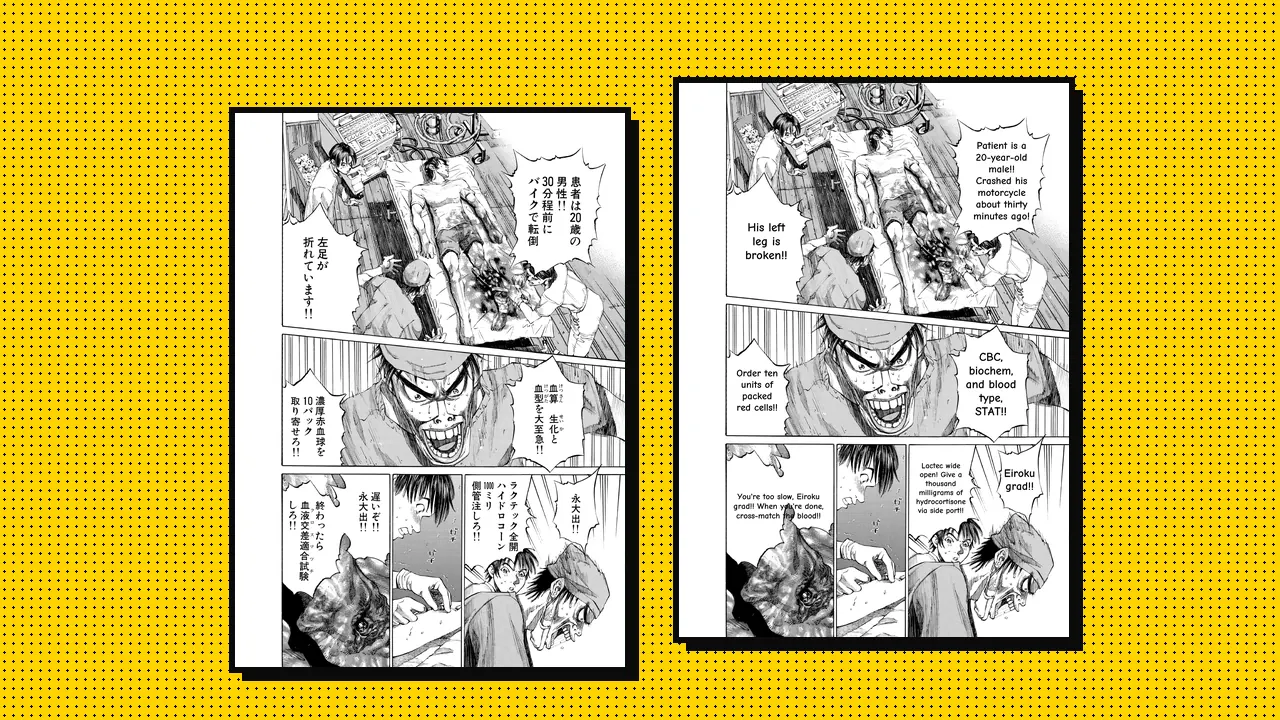
A CBZ is just a ZIP of page images with a different extension. Most reader apps open it, which makes it the easiest format to translate and read back.
1. Open the CBZ in Serifu
Drop the file onto the Serifu window, or click New project and pick it. Pages are sorted by file name and shown right to left, the way manga reads. If the book reads left to right, switch the direction before you start.
2. Set up a glossary (optional)
If the series has unusual names, add them to a glossary first, for example 永大 → Eiroku.
Every page then uses the same spelling.
3. Translate the volume
Click Translate. You see the cost before anything starts: one credit per page (plus one per area of text drawn on artwork that needs redrawing), and only work that finishes is charged. Pages fill in as they are done, so you can start reading the first ones while the rest run.
Tip: the translation model reads each page together with the two before it, so it keeps track of who is speaking.
4. Fix what you want
Open the editor, click any bubble and rewrite it, or re-translate a single line. Changes on a page within 24 hours of translating it are free.
5. Export back to CBZ
Choose Export → CBZ and open the new file in your reader as usual. Your original file is not changed.