Box, read and translate
Box text Serifu missed on a page in the app; it is read, translated and lettered in the box.
Serifu finds nearly every bubble, caption and sound effect, but it can miss one: a small note, a word on a sign, text in an unusual shape. Box it.
Box a line
- In the editor, pick Box, read and translate (A) in the tools.
- Drag a box around the text. The card on the box says what will happen and its price.
- Click Read and translate.
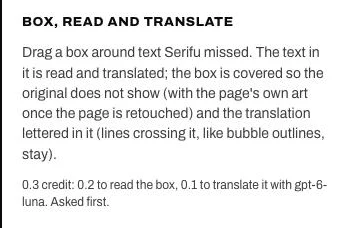
The text in the box is read and translated with the project's model. The box is covered so the original does not show (with its background colour, or with the clean art once the page is retouched; lines crossing it, like bubble outlines and panel borders, stay), and the translation is lettered in it. The line is added to the list, marked Manual, and can be changed like any other.
You can draw the next box while one is being added; it starts when the first is done.
What it costs
0.2 credit to read the box, plus the model's price to translate one line. The card shows the total and asks before anything is charged; if you decide against it, the box is removed.
If nothing was read
The card stays open and says so. Draw the box a little larger than the text and try again. A line you boxed can be deleted: Delete this line, or the Delete key.
Text on the art
A line boxed on the art is lettered over it, like the others there. To have the original gone, it is a block of its own for Retouch this page.