Retouch this page
In the app, remove the original text drawn on the art, block by block, and letter the translation where it was. 2 credits a block, the blocks you choose.
Text inside speech bubbles is cleaned automatically. Text drawn straight on the art (a caption over a background, a sign, a title) is left in place, and the translation is lettered over it; such pages and lines are marked To retouch. To have the original gone, retouch it.
Each line drawn on the art is a block. Retouching a block is two steps: cleaning, where an image model removes its original text and redraws the art behind it, at the page's own resolution so screentone and fine lines come back as drawn; then typesetting, where its translation is set where the original was, in its colours and size.
Retouch a page
- In the editor, click Retouch this page in the line panel.
- Every block is outlined and numbered on the page and listed with its text and price, all ticked. Untick the ones to keep as they are. The total and your balance after it are shown.
- Click Retouch N blocks.
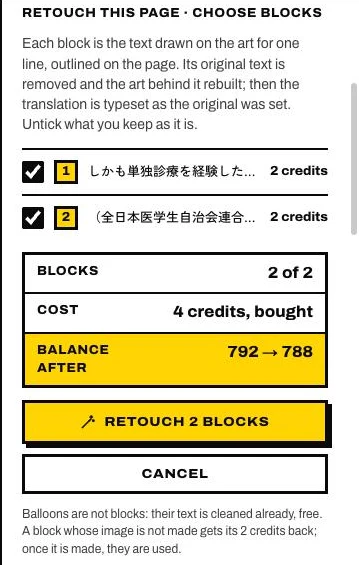
It takes about a minute a block; you can work on other pages meanwhile. A page whose text is all in bubbles has nothing to retouch.
How the translation is set
- In the original's colours, in bold, with an outline in proportion to its size where the original had one.
- Chinese keeps the original's direction: a caption in vertical columns stays in columns.
- English and Korean are set across. Where the original ran in vertical columns, the translation starts at the top of the original, at its size, and widens into its panel, without running into the text beside it.
| Before | After |
|---|---|
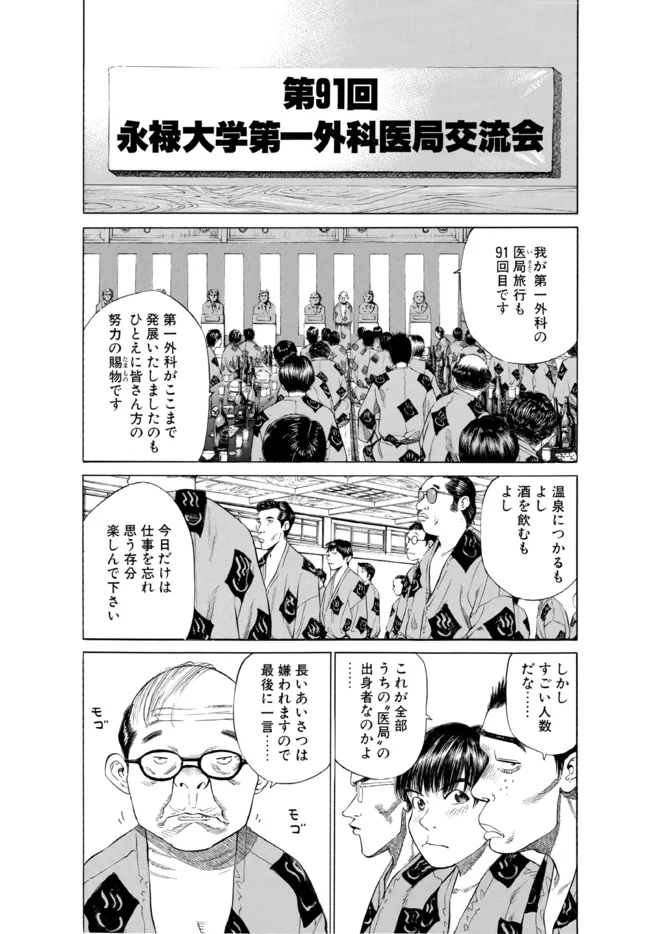 | 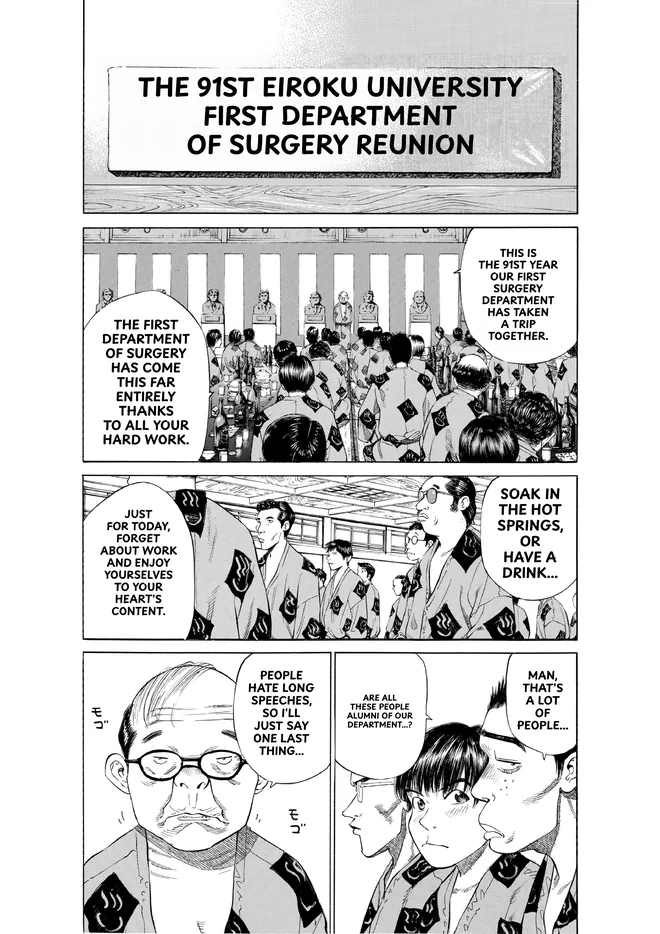 |
Every value is a lettering control you can change afterwards: font, size, direction, colour, outline.
What it changes
The art under the blocks you chose becomes clean, and their lines are typeset. Blocks you did not choose stay as they were. Your translations and edits, the lines you boxed or typed, your masks and what you painted stay. A retouch is one step: Undo brings the page back.
The page shows Retouched, and its blocks lose their To retouch mark. Lines you turn off or add afterwards keep the clean art, free. A line boxed on the art later is a block of its own. A sound effect drawn on the art is a block too, unless Leave sound effects untouched is on in Settings › Translation.
What it costs
2 credits a block, from bought credits only, shown before you confirm. If a block fails, it stays as it was and its credits come back; the editor says which block and why.
Or keep the original lettering
Untick the block, turn the line off, or move your translation next to it.